Walk & seal
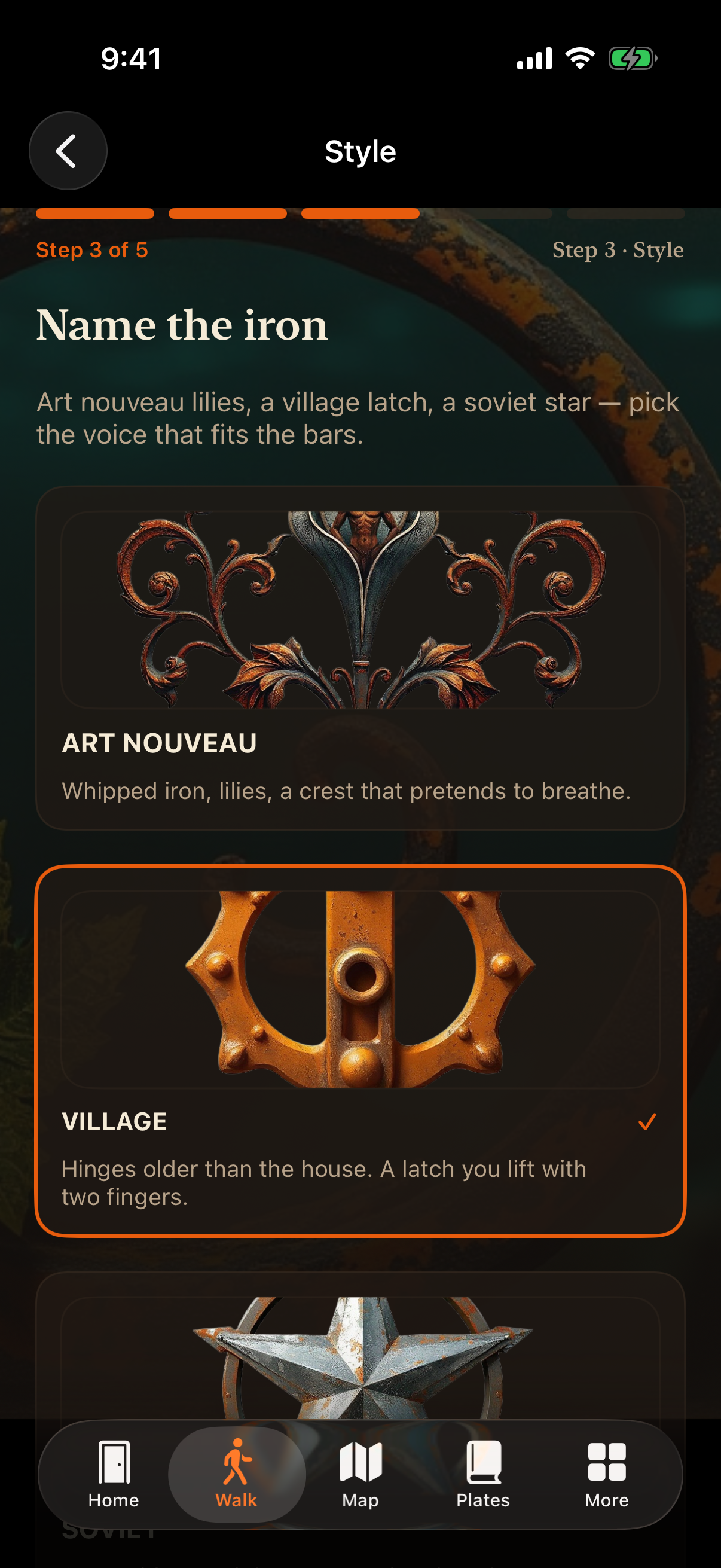
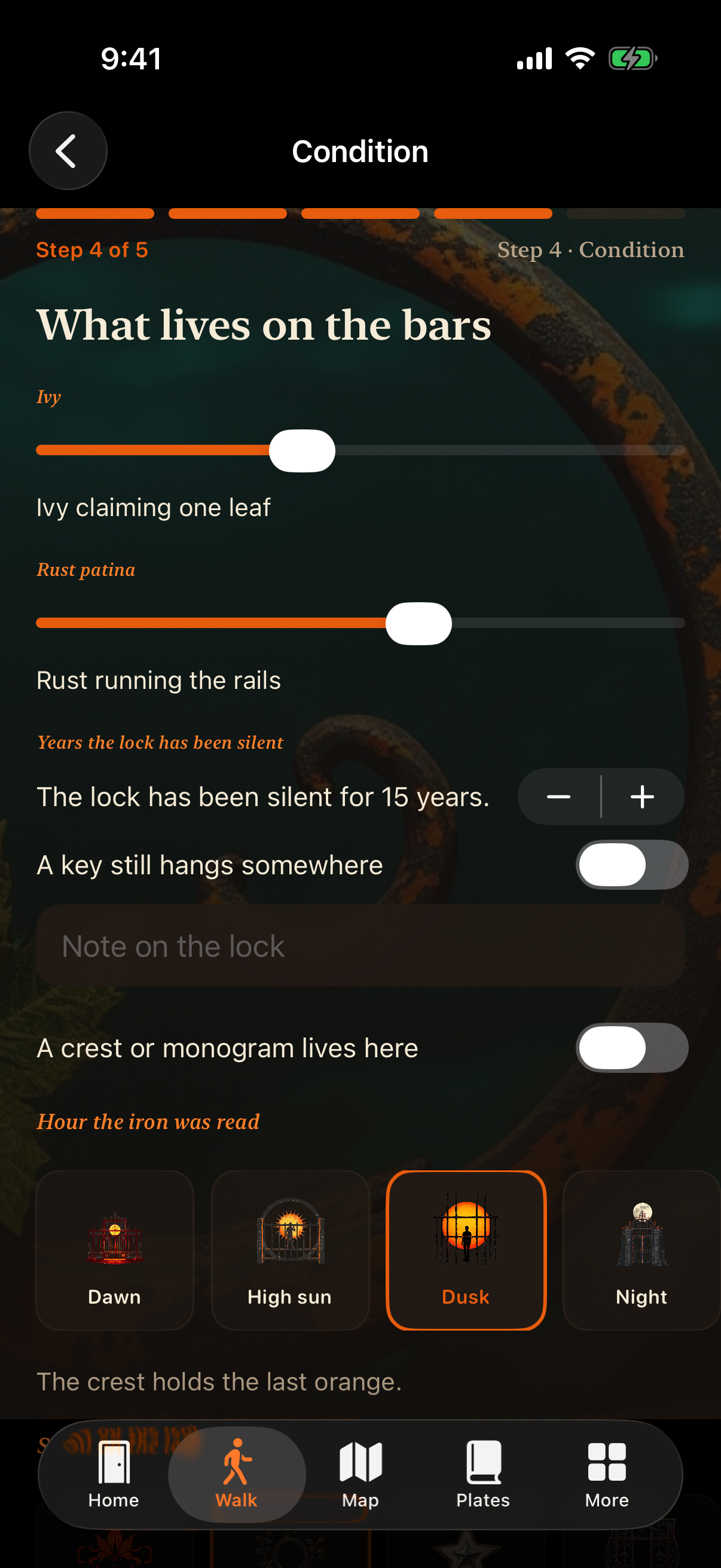
Guided steps capture style, condition, silent years on the lock, and a photo when the bars catch your eye.
iron ledger
Seal wrought-iron gates on your walks and return to every latch, crest, and rust line.
A field notebook for bars you pass on everyday streets — photos, styles, and the years a lock has been silent.
Guided steps capture style, condition, silent years on the lock, and a photo when the bars catch your eye.
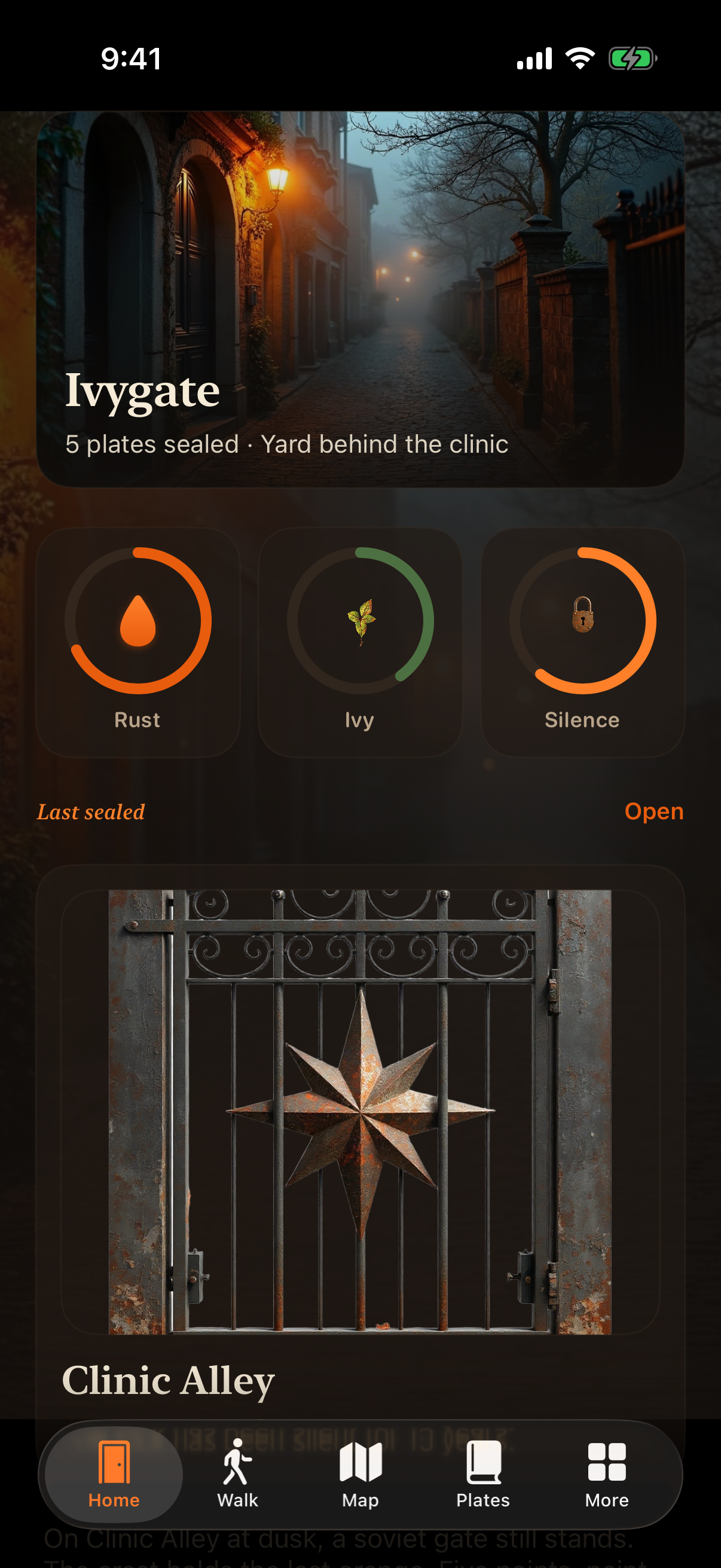
Search every sealed gate by street or note. Open cards for crests, hinge visits, and return flags.
Map pins link back to gates. Compare two plates, tally rust by voice, or see which street carries the most iron.
Capture walks, browse the ledger, and read gates on the map — all from real app screens.
Threshold opens each outing. Style and condition steps name the iron and what lives on the bars before you seal the plate.
Effective date: September 16, 2026 · SEZON PLIUS TOV
Ivygate stores the gate records, photos, and notes you create on your device. We do not operate a social network or sell personal data. This page describes what the app may access and how you can reach us.
Gate entries, photos you attach, map pins, and preferences are kept locally in app storage unless you back up your phone through Apple’s systems. We do not receive a copy of your ledger on our servers.
If you allow location, Ivygate may place a pin when you seal a gate during a walk. Photo access is used only when you pick or capture an image for a plate. You can deny permissions and still type street names manually.
Questions about this policy: serhiikrasilnikov@sezonpliustov.org.
Help with Ivygate on iPhone or iPad.
Email serhiikrasilnikov@sezonpliustov.org with your device model and iOS version. Describe what you tried and what you expected — we reply in English or Ukrainian.